SMARTER WAY TO TRACK EMPLOYEE INTERNET USAGE
Employee Internet Usage Monitoring Software
Turn browsing activity into clear insights for better focus and performance.

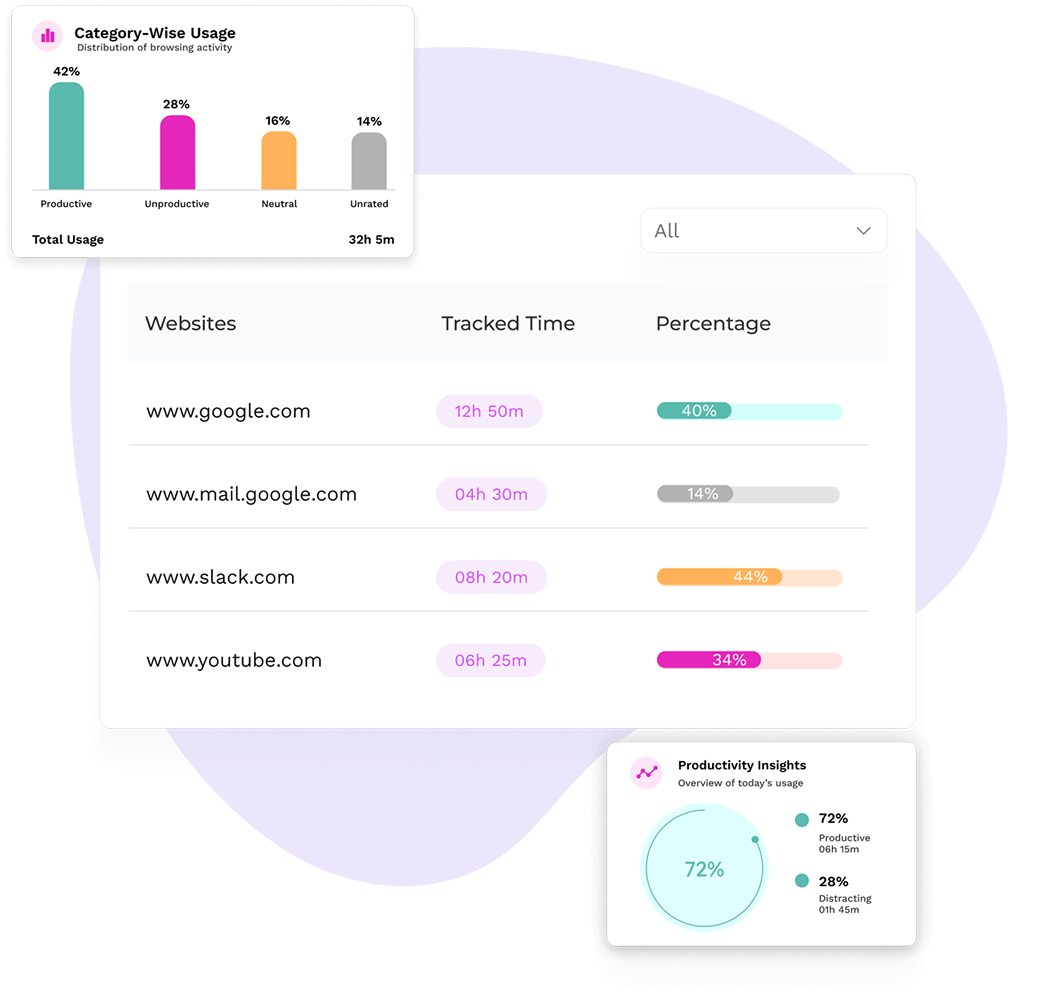
Get clear, measurable records for better employee oversight.

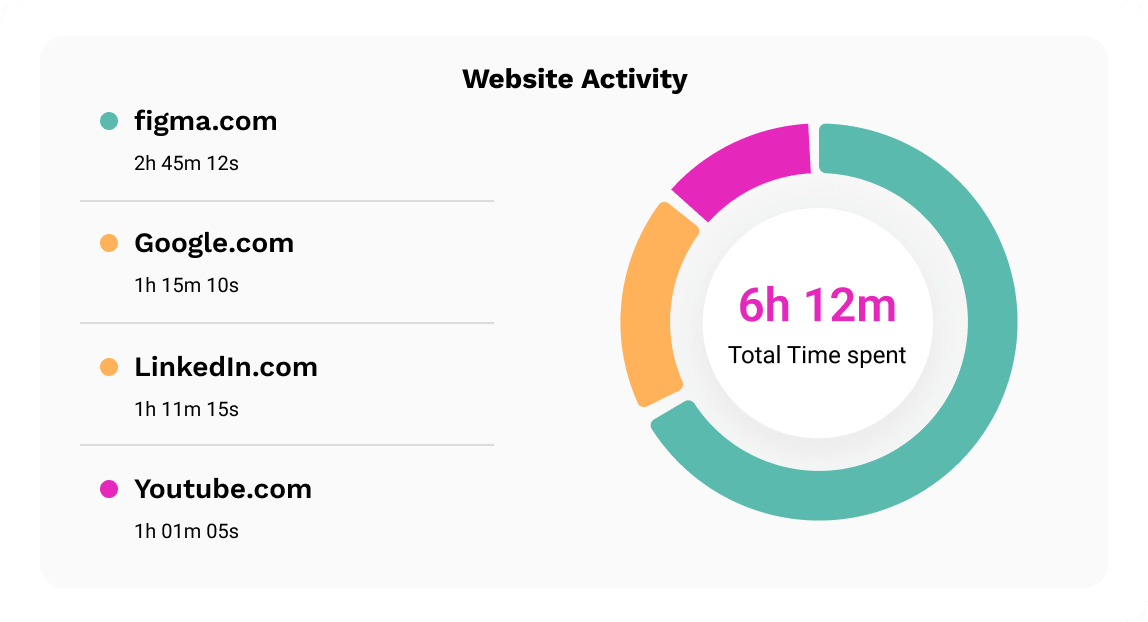
See which websites employees visit from their work computers and how much time they spend on each.

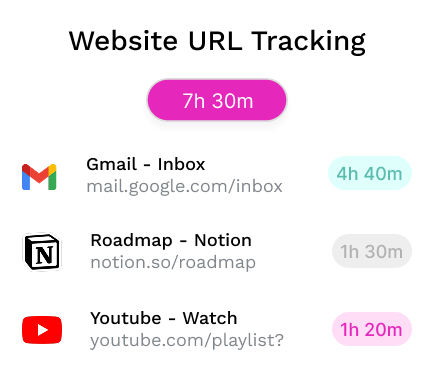
Monitor employees’ internet usage with exact page titles and website URLs for more specific browsing records.

See which productive and unproductive websites employees use most to understand where their work time goes.
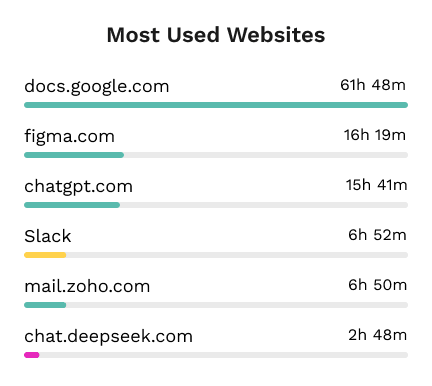
Analyze employee web activity and make better-informed decisions.

Our employee website monitoring software identifies websites that take up unnecessary time and distract employees.

Use categorized website activity to understand how digital work habits contribute to employee performance.

Monitor employee web browsing to base performance discussions on recorded activity, not assumptions.

See which digital tools employees rely on most and how web use fits into everyday work patterns.

Get practical insights without manually reviewing every work session.
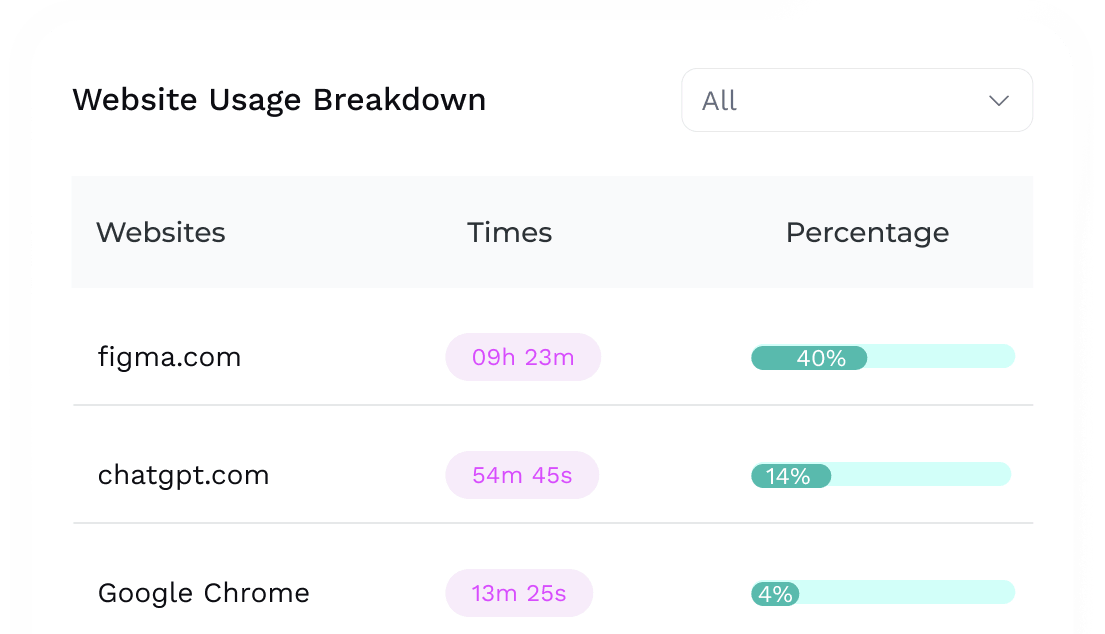
Get precise visibility into employee web activity at the level where every detail matters.
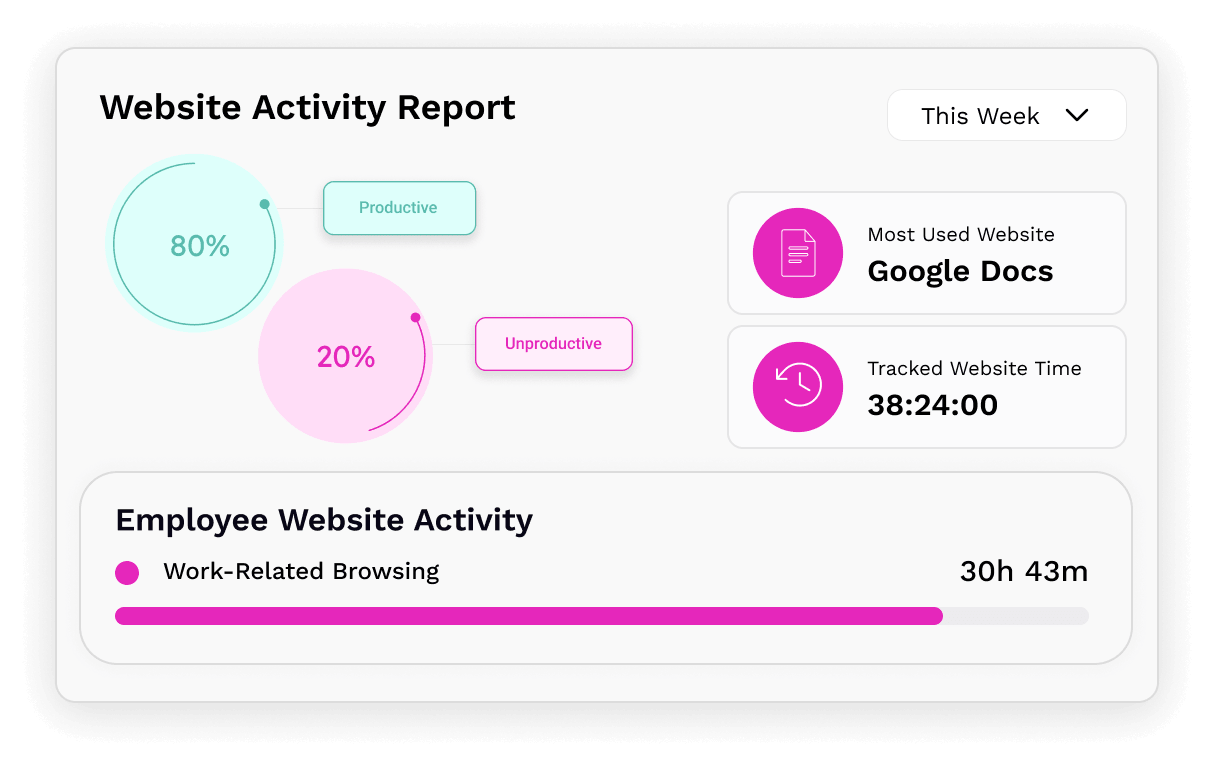


Track employee internet usage to view each user’s recorded time and their share of total usage.

Move from overall website activity to employee-level usage and specific page titles for granular oversight.

Set websites as productive, unproductive, neutral, or unrated for monitoring employee internet use.

Customize website ratings for individual users, teams, and the entire organization as needed.

Sort website records by usage and filter activity by employee or date range to find data faster.

Review website reports and export them as CSV or PDF for further employee internet usage monitoring analysis.
Connect website records with supporting employee monitoring features for a fuller view of the workday.

Use TimeBee’s software to monitor employee internet usage and capture screenshots during browsing sessions.

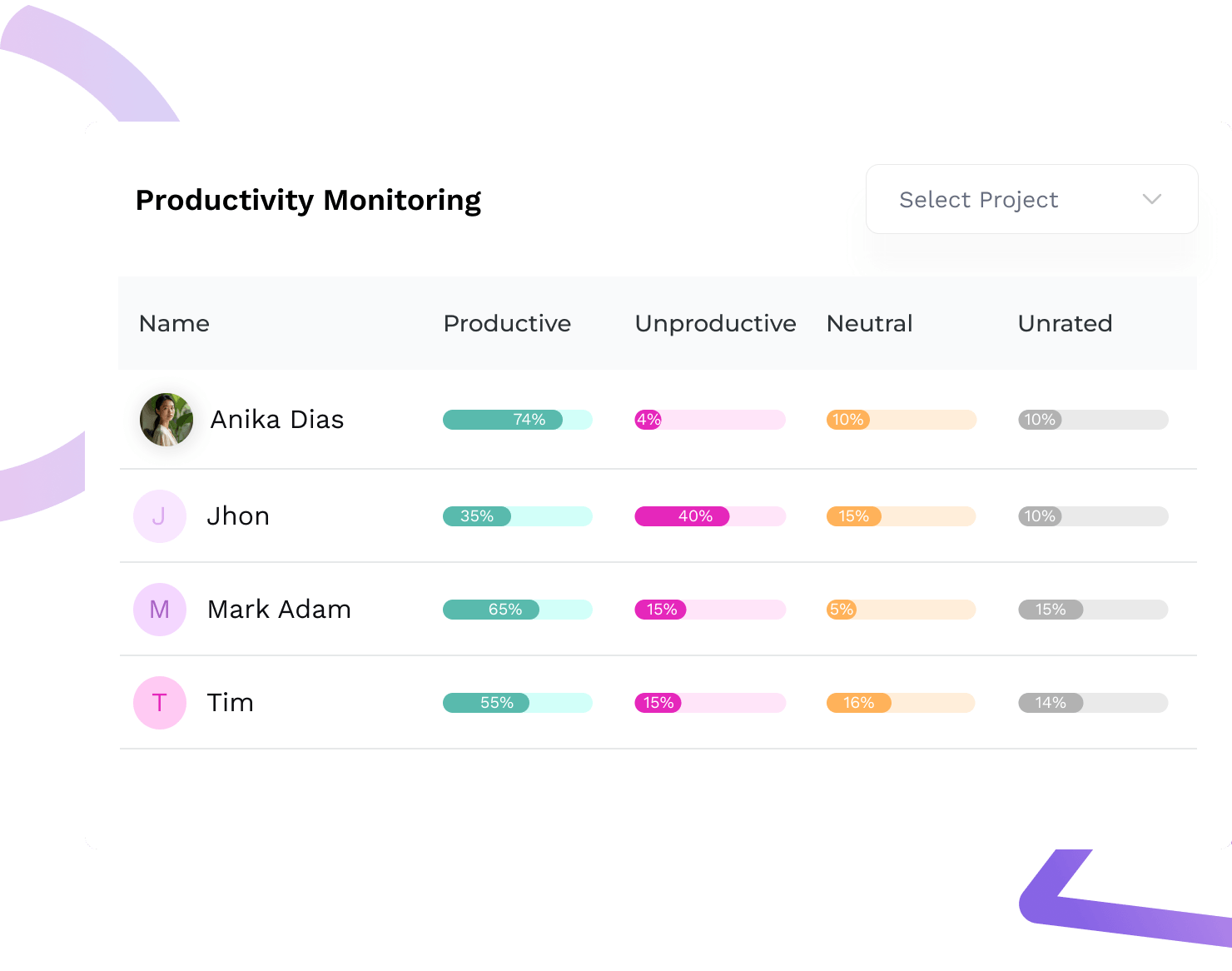
Measure productive, unproductive, neutral, and unrated time to see how employees use work hours.

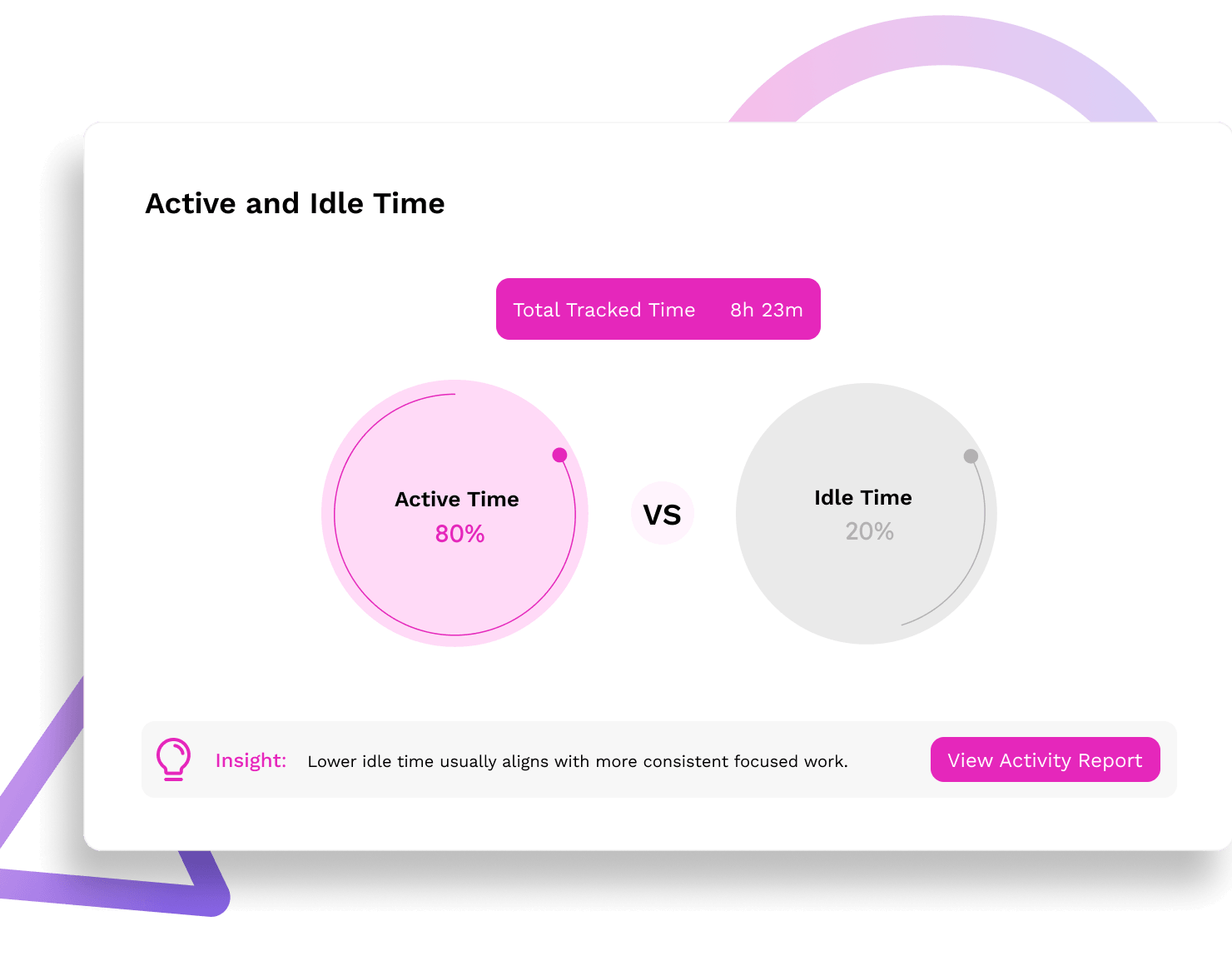
Use our employee internet browsing monitoring software to compare active work time with idle periods

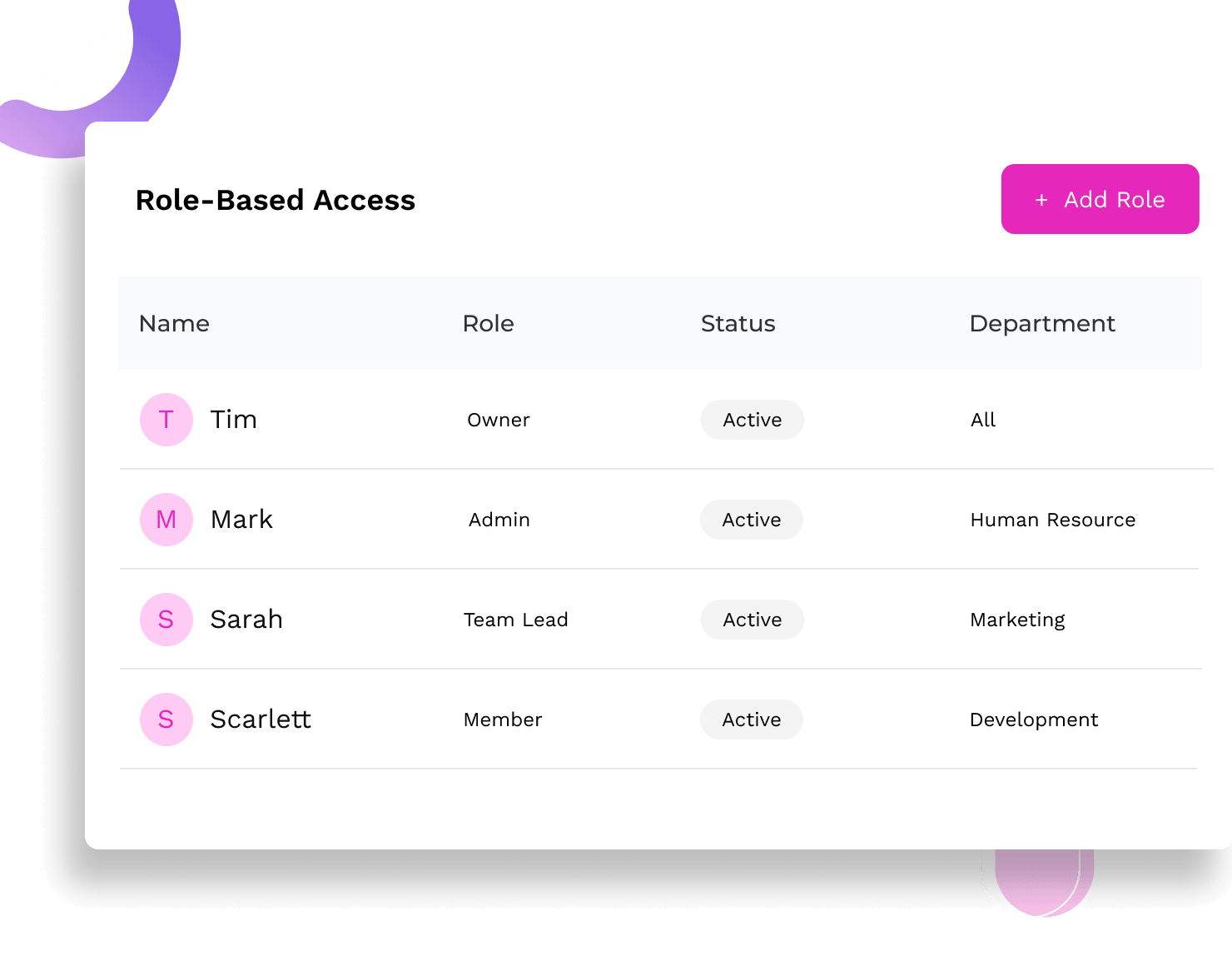
Control monitoring access by role so sensitive records are only available to authorized users.
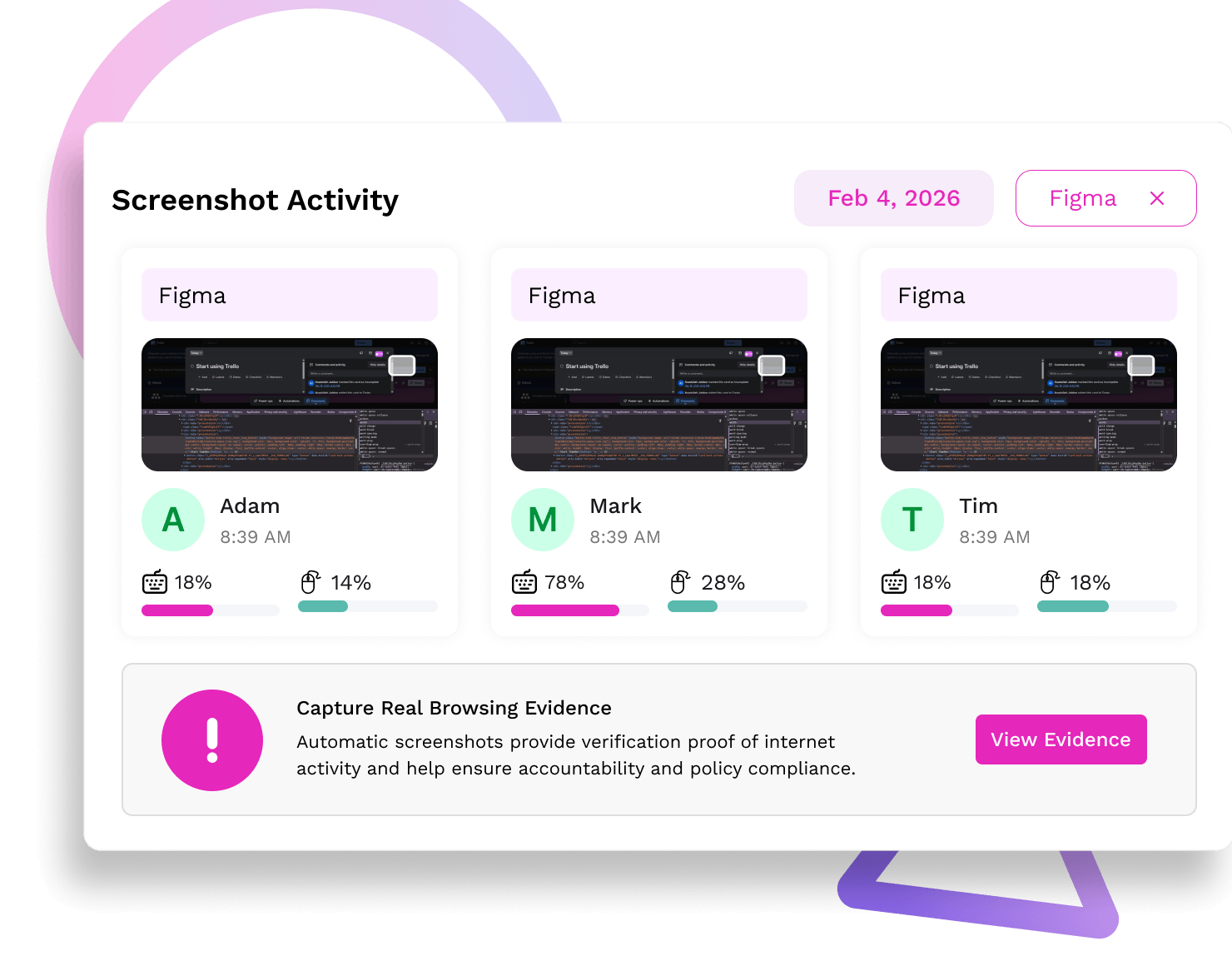
Use TimeBee’s software to monitor employee internet usage and capture screenshots during browsing sessions.
Measure productive, unproductive, neutral, and unrated time to see how employees use work hours.
Use our employee internet browsing monitoring software to compare active work time with idle periods
Control monitoring access by role so sensitive records are only available to authorized users.
Teams using TimeBee see a 42% increase in employees' productivity within the first 3 months.

Companies recover over 4 hours per employee per month, resulting in a 650% return on investment.
Managers observe a 54% increase in punctuality and fewer late logins after implementing TimeBee.
Time theft drops significantly as employees become more focused and accountable.

TimeBee distinguishes productive and unproductive website usage through configurable activity ratings. Within its dashboard, administrators can classify websites and applications as productive, unproductive, neutral, or unrated. TimeBee then uses these classifications in activity summaries to divide each employee’s recorded usage into the corresponding categories.