#1 ONLINE TIMESHEET SOFTWARE
Most Accurate Timesheet App
Track every hour with ease and stay on top of your team’s productivity.

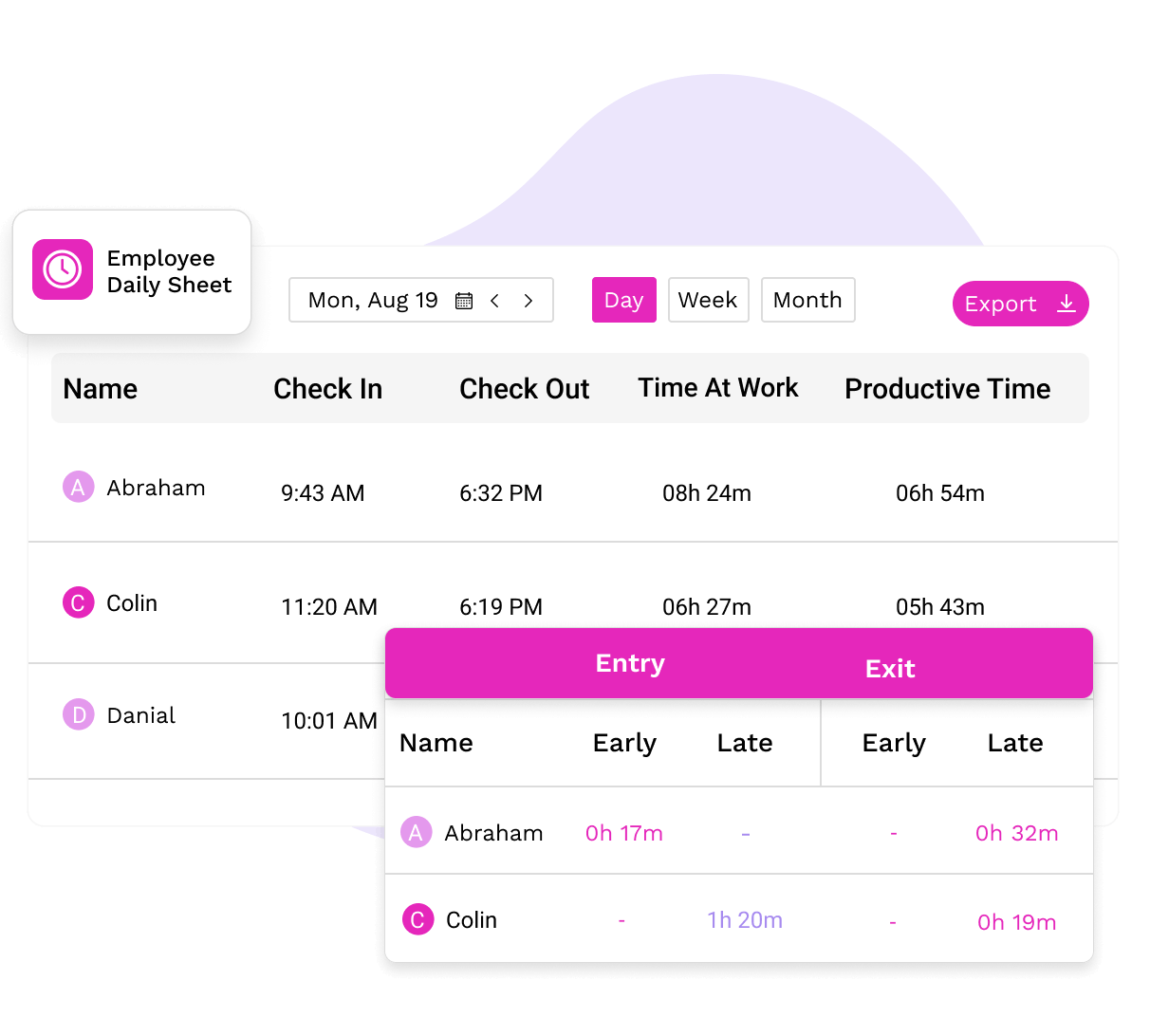
Track every hour with ease and stay on top of your team’s productivity.
With TimeBee managing timesheets, your team stays on track and productive.

Hours are recorded in real time and automatically added to the logs for easy timesheet tracking.
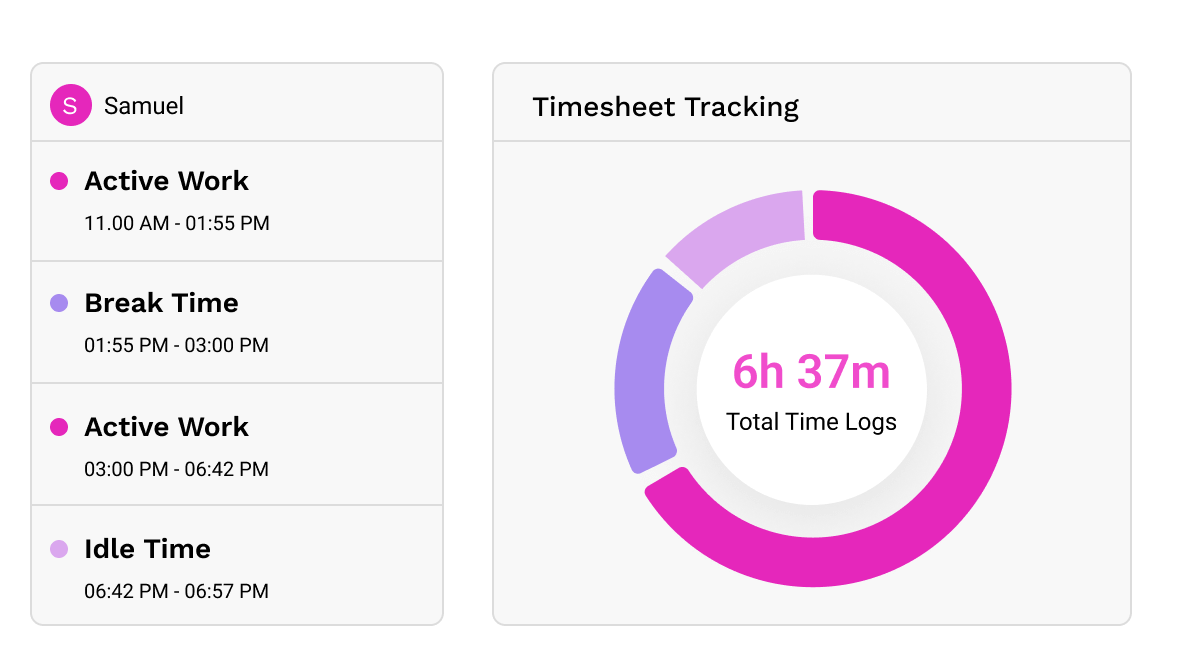

View each user's daily hours, start and end times, inactive periods, and websites and apps used.
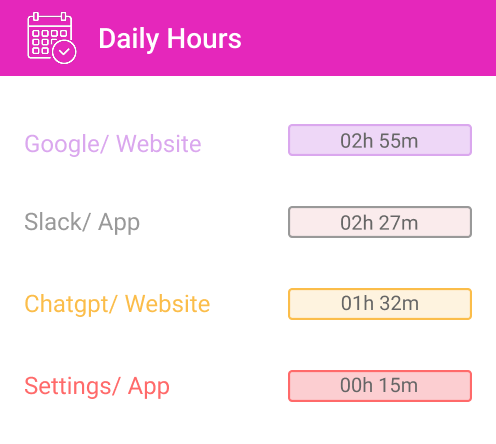

Access detailed monthly online timesheets for employees showing hours worked, absences, leaves, and more.
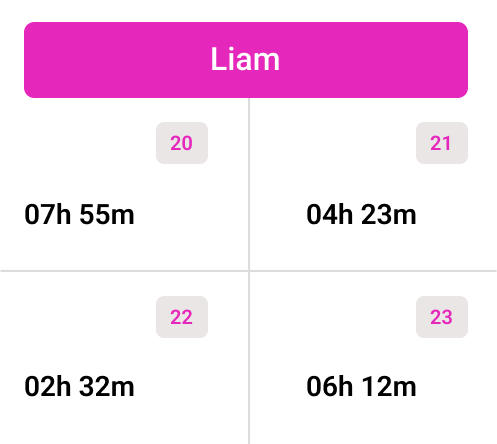
Log hours accurately to keep projects on schedule and teams accountable.

Our timesheet tracking software autogenerates timesheets to reduce the manual work for HR staff.

Track billable hours accurately and assign tasks efficiently to manage your team’s workload.

Identify burnout early by spotting patterns of long hours and reduced performance in the timesheet software.

Auto-generated timesheets prevent employees from adding incorrect manual entries that inflate payroll time.

TimeBee’s employee timesheet app blocks members from viewing others' data while giving admins full access.

Save hours every single day by using timesheets that do more than track.
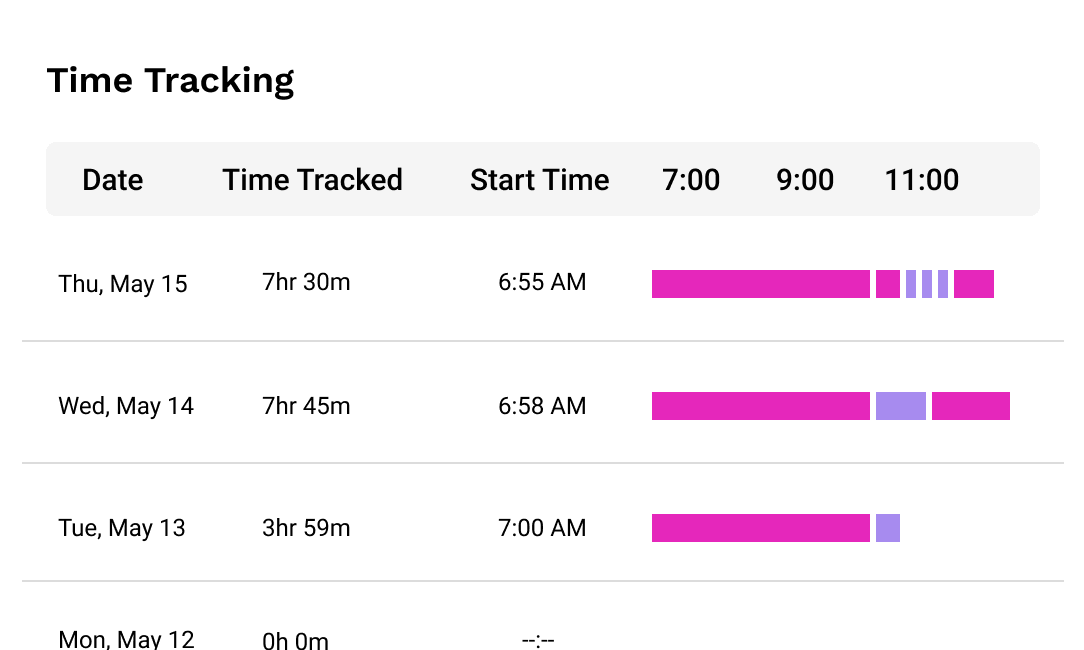
Track every shift and log project hours with instant visibility across your team.
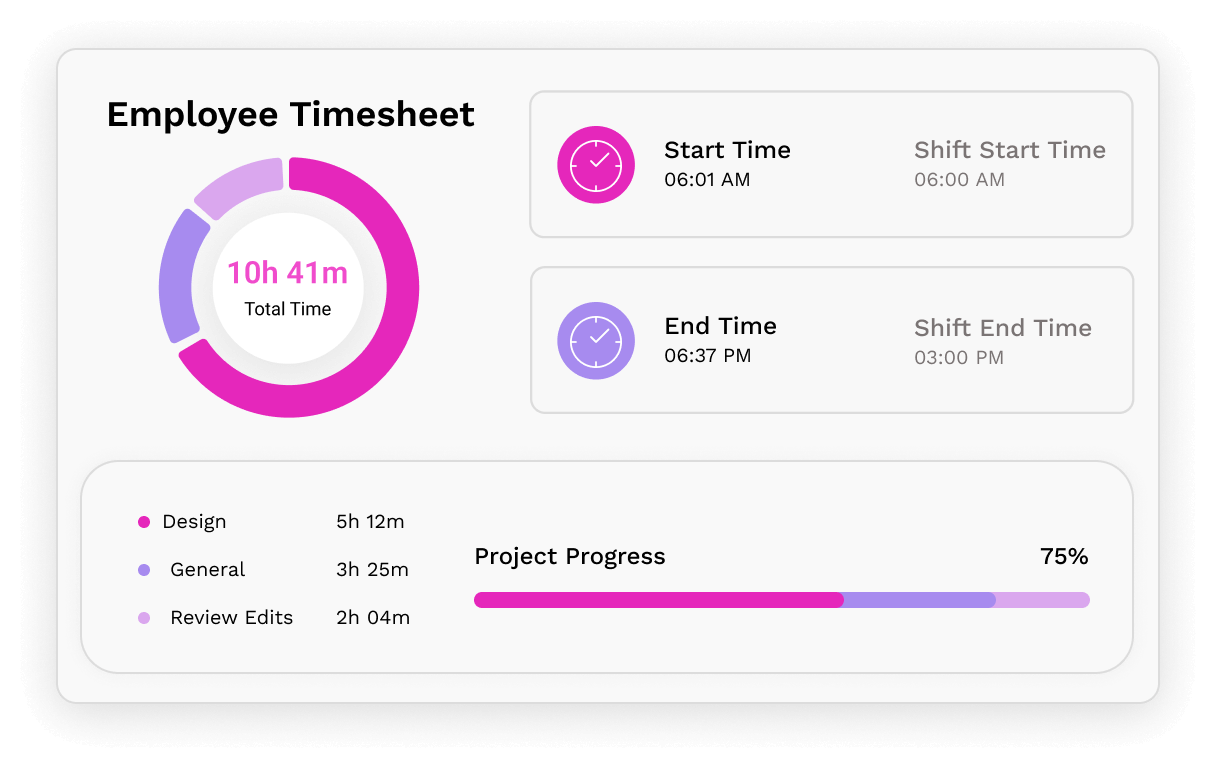


Customize shift days and times for the entire team or specific users in the online timesheet app.

Let employees log missing hours by sending manual time requests through the billable tracker.

View detailed breakdowns of time spent by users on tasks and projects in automated timesheets.
Upload employee timesheets for external projects with exact billable hours directly to the client dashboard.

Our timesheet tracking app lets you see auto-logged, manual, active, inactive, and neutral time for each user.

Filter by user, team, day, week, month, or custom dates, then export the exact timesheet data.
Make daily work hours count by turning them into measurable growth.

Get distraction alerts when the employee timesheet software detects inactivity for a specific period.

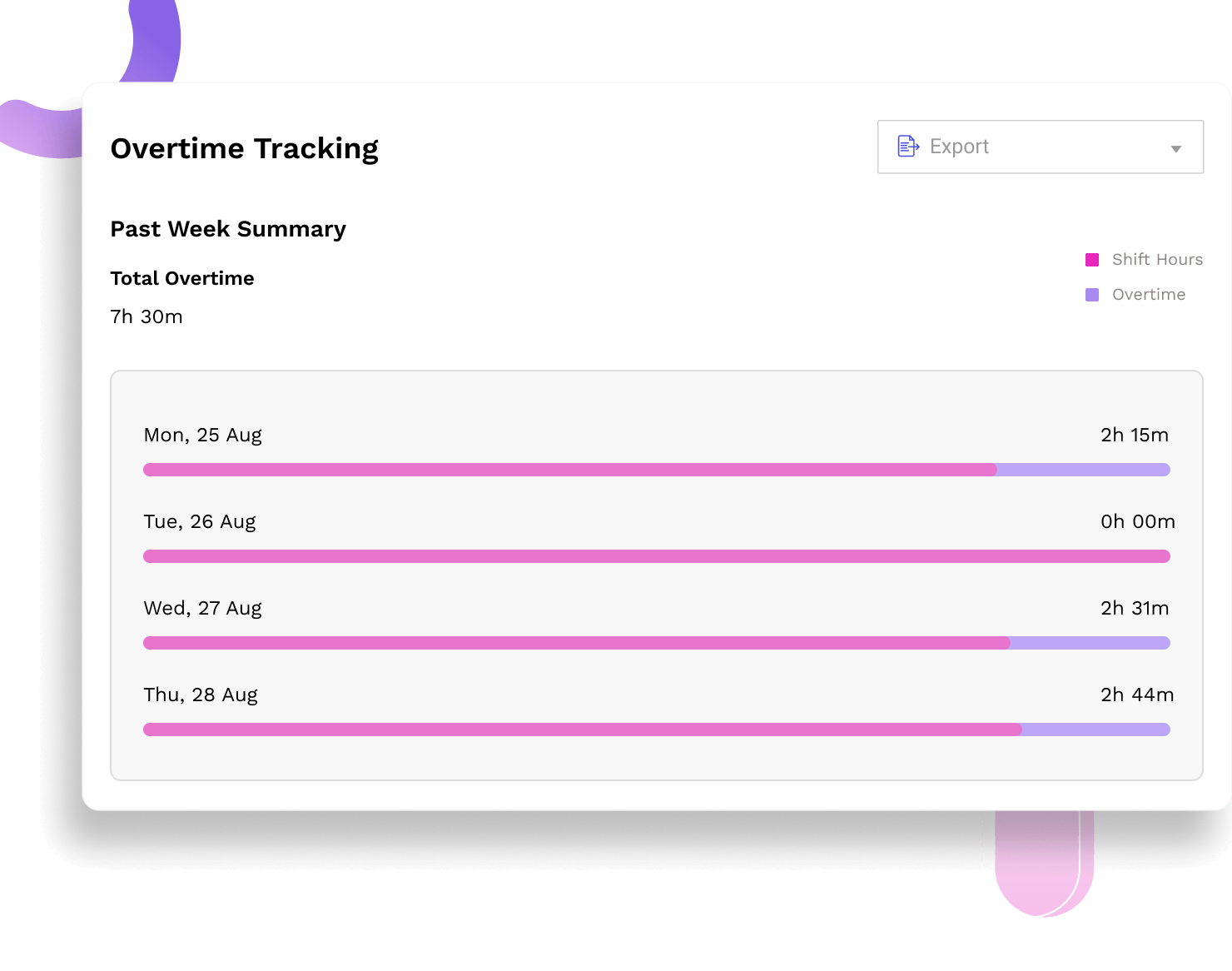
Track overtime accurately as TimeBee excludes breaks and adds extra hours directly to timesheets.

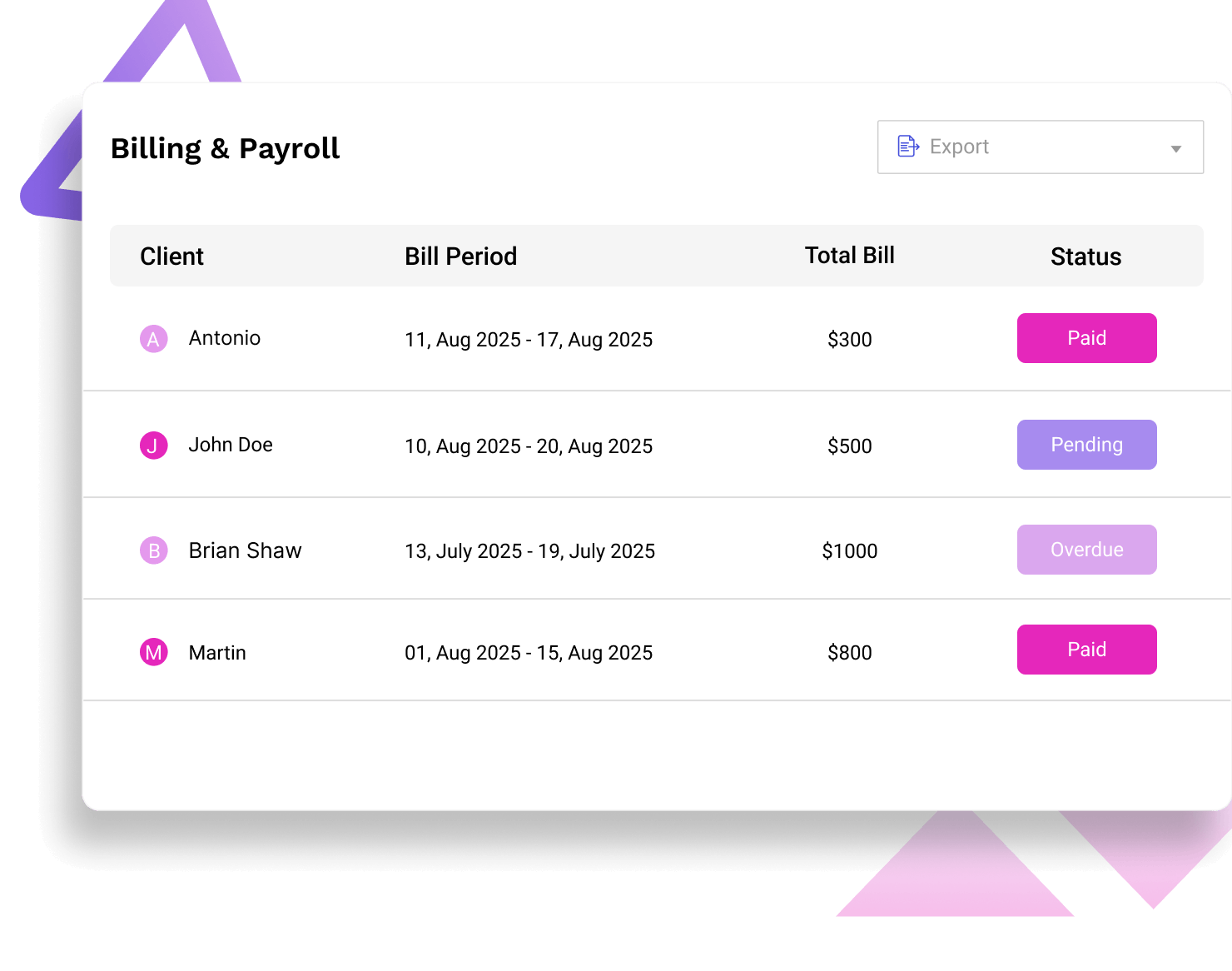
Use the timesheet app to calculate employee salaries and client invoices based on recorded hours and set rates.
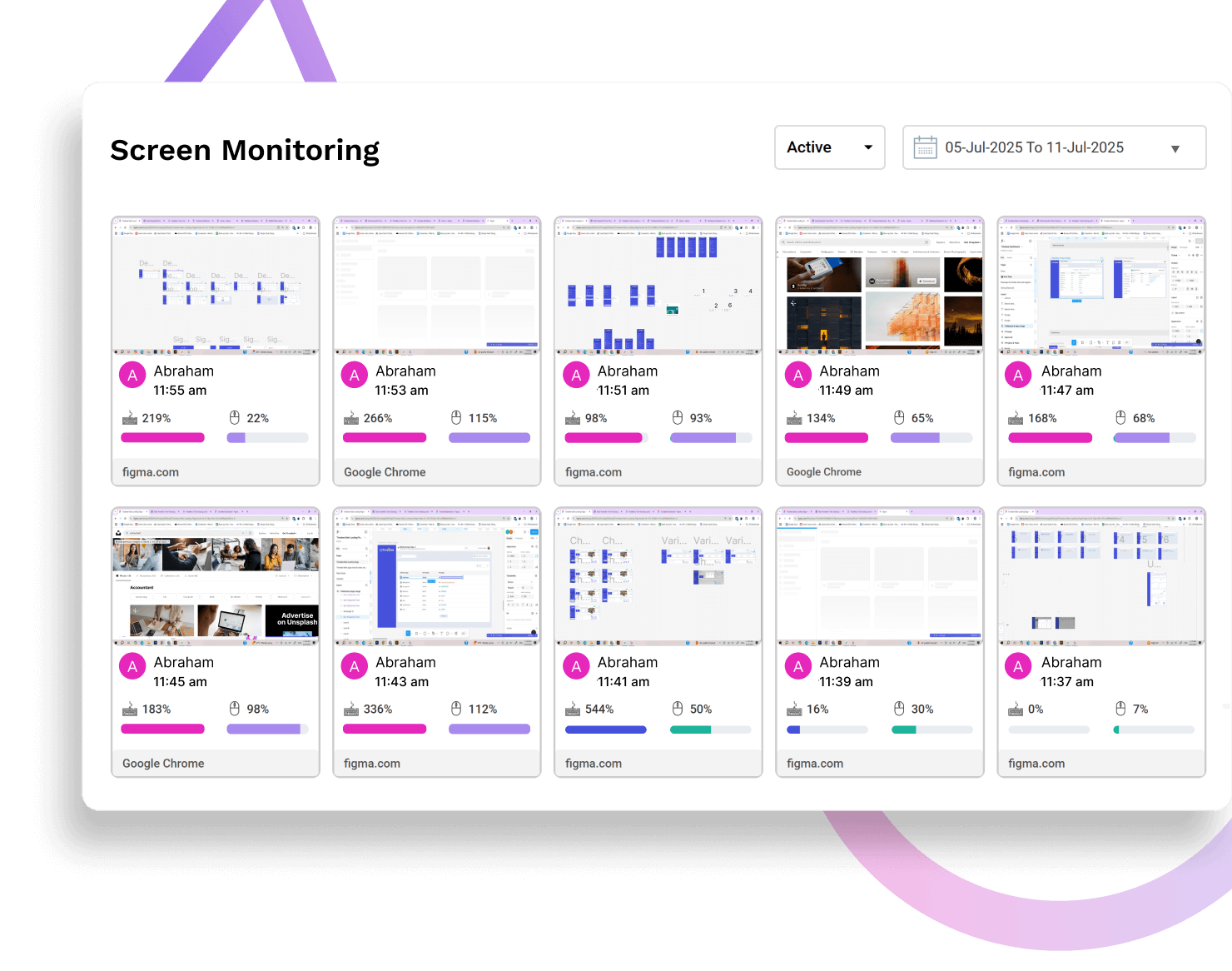
Set a screenshot frequency for each team member to capture their screen and monitor their activity levels.
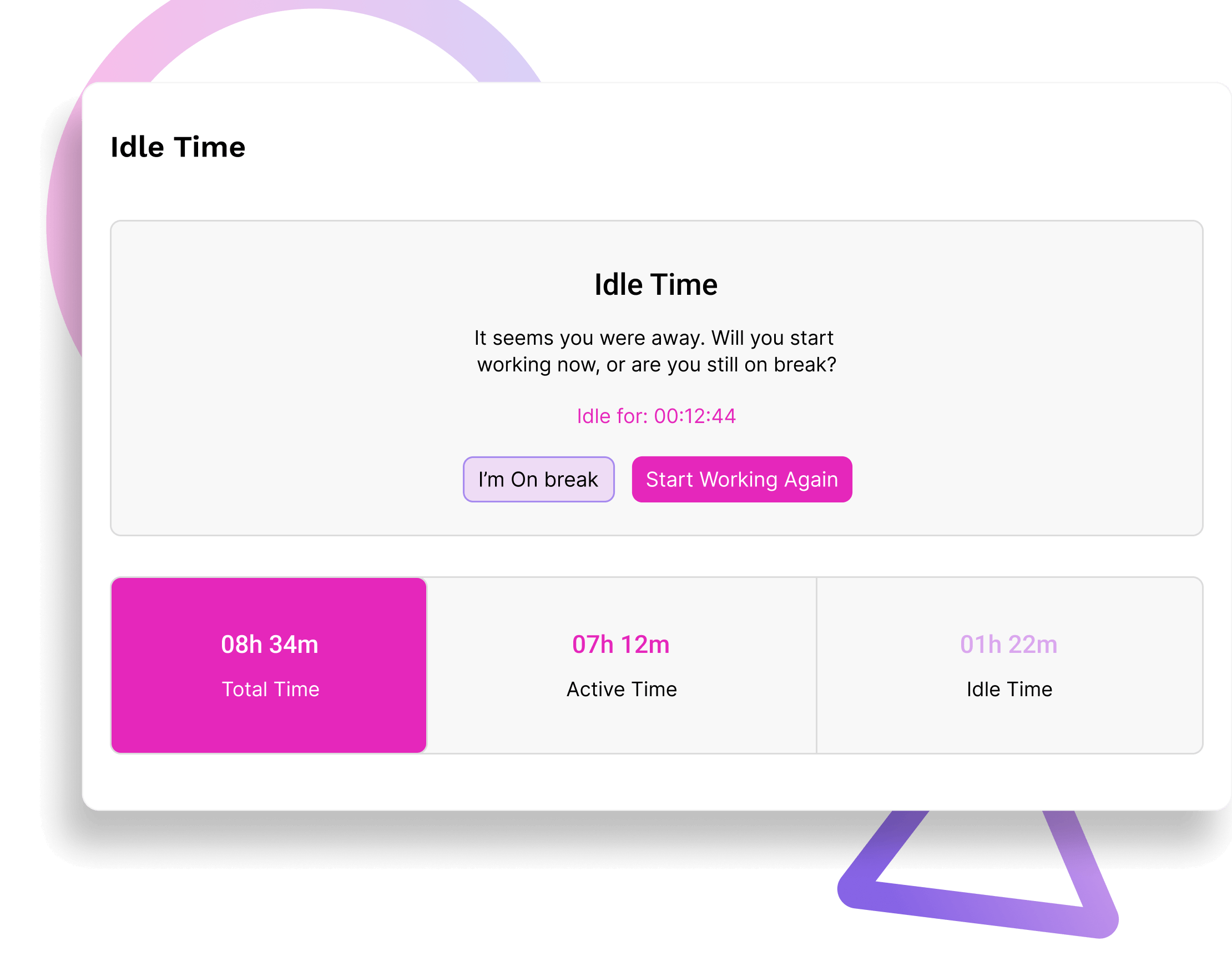
Get distraction alerts when the employee timesheet software detects inactivity for a specific period.
Track overtime accurately as TimeBee excludes breaks and adds extra hours directly to timesheets.
Use the timesheet app to calculate employee salaries and client invoices based on recorded hours and set rates.
Set a screenshot frequency for each team member to capture their screen and monitor their activity levels.
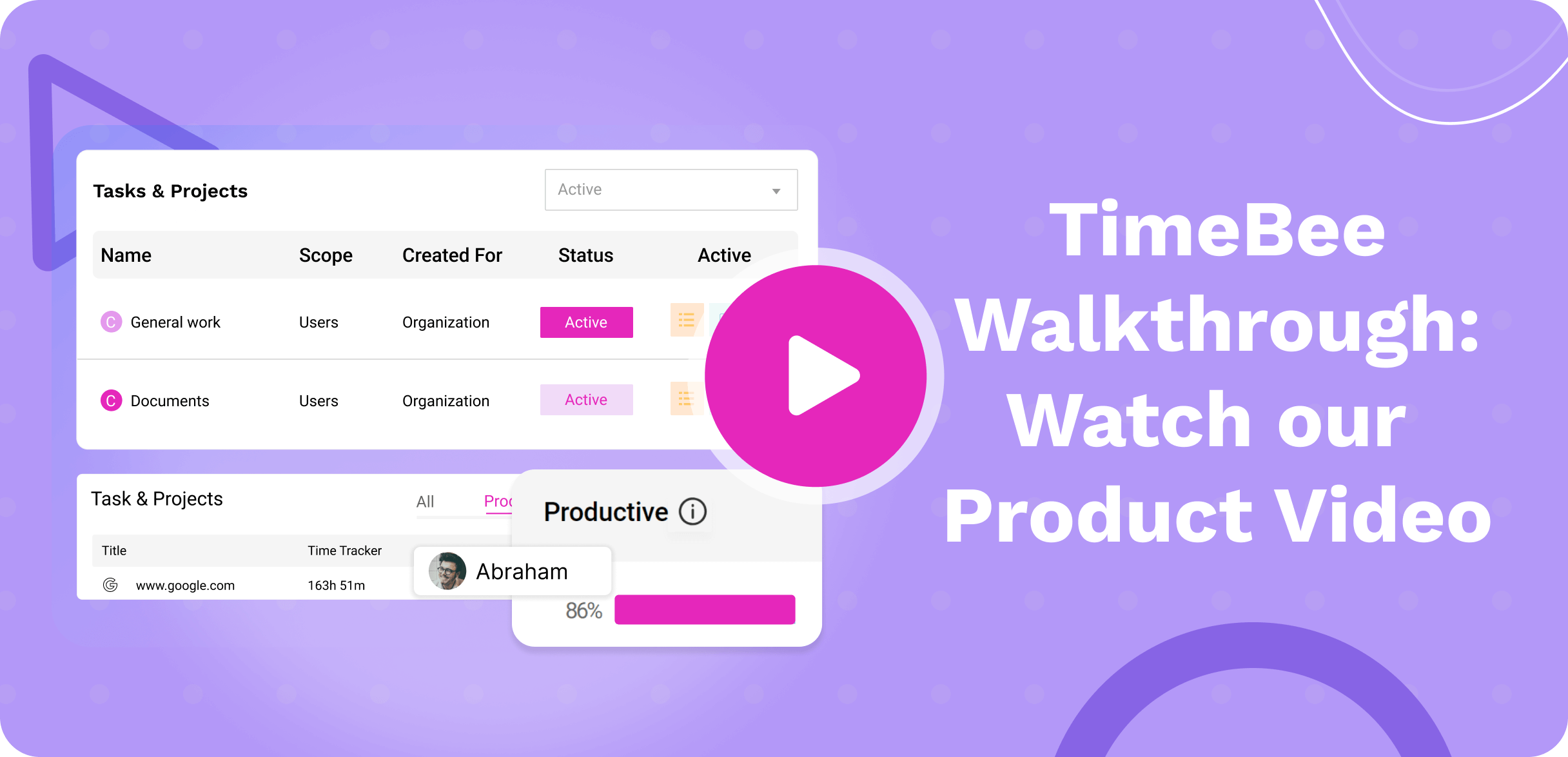
Teams using TimeBee see a 42% increase in employees' productivity within the first 3 months.

Companies recover over 4 hours per employee per month, resulting in a 650% return on investment.
Managers observe a 54% increase in punctuality and fewer late logins after implementing TimeBee.
Time theft drops significantly as employees become more focused and accountable.

With TimeBee, your team’s productivity speaks for itself.
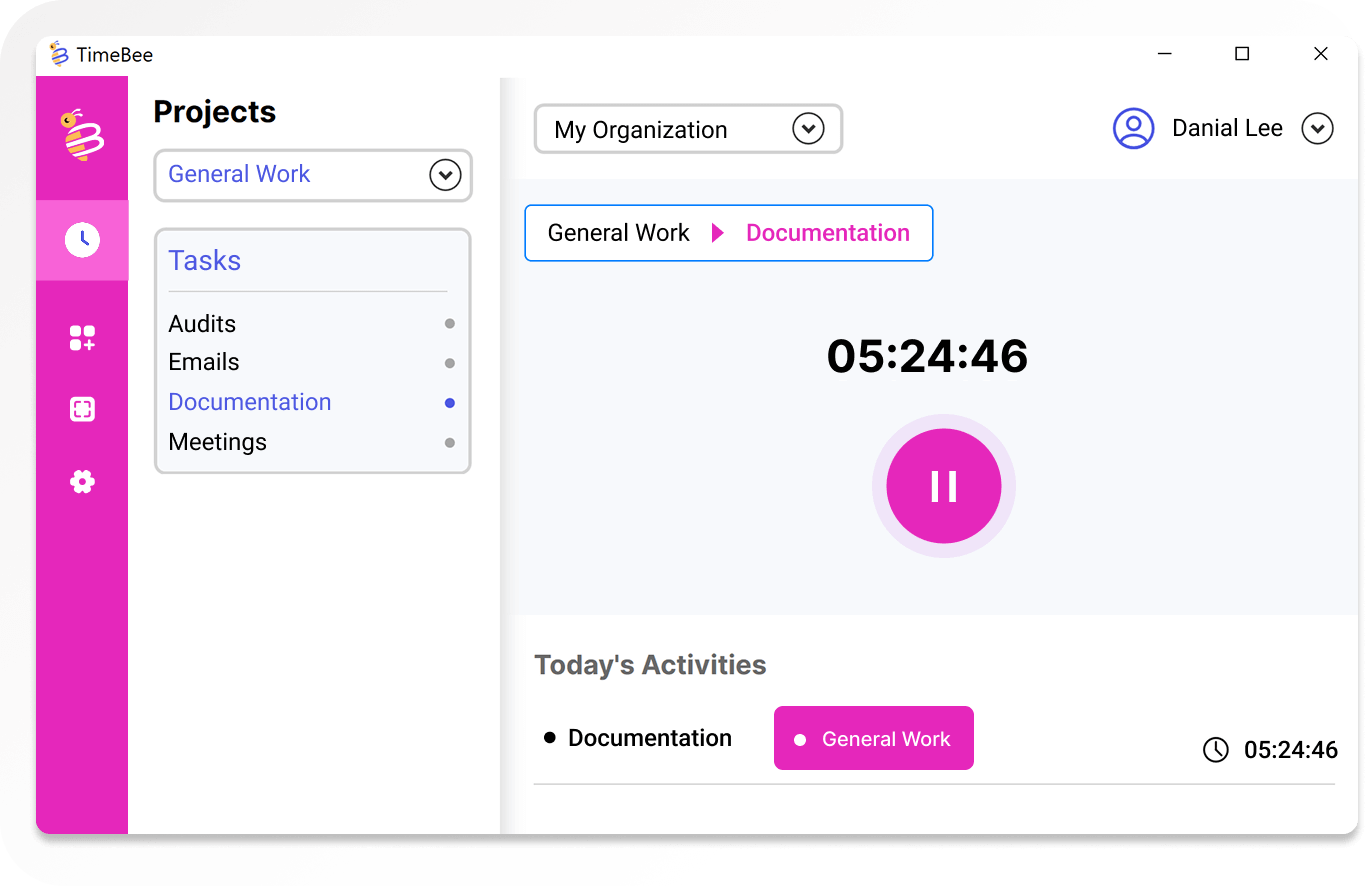
Yes, you can review manual entries and either approve or reject them before they are added to payroll. Using TimeBee, employees can submit time requests for inactive slots by filling in details such as project, task, description, and approver. These requests are then reviewed by the approver, who can accept or reject them based on accuracy. This process ensures that only verified hours make it to payroll and keeps manual adjustments under control.
