The groups feature on TimeBee allows you to organize employees by department, type of work, or in customized groups. With this feature, owners and admins can view and track the team's progress efficiently. Here’s how you can view, create, edit, and archive groups.
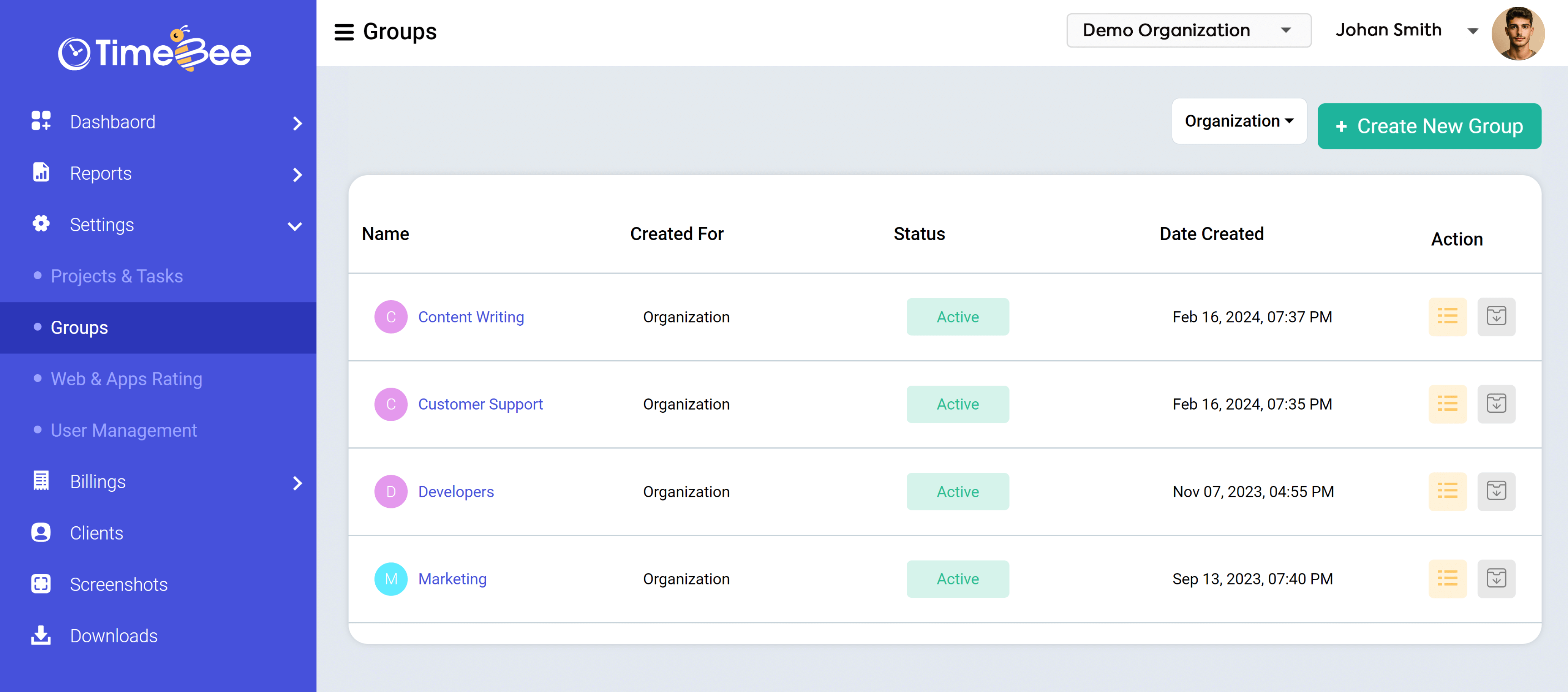
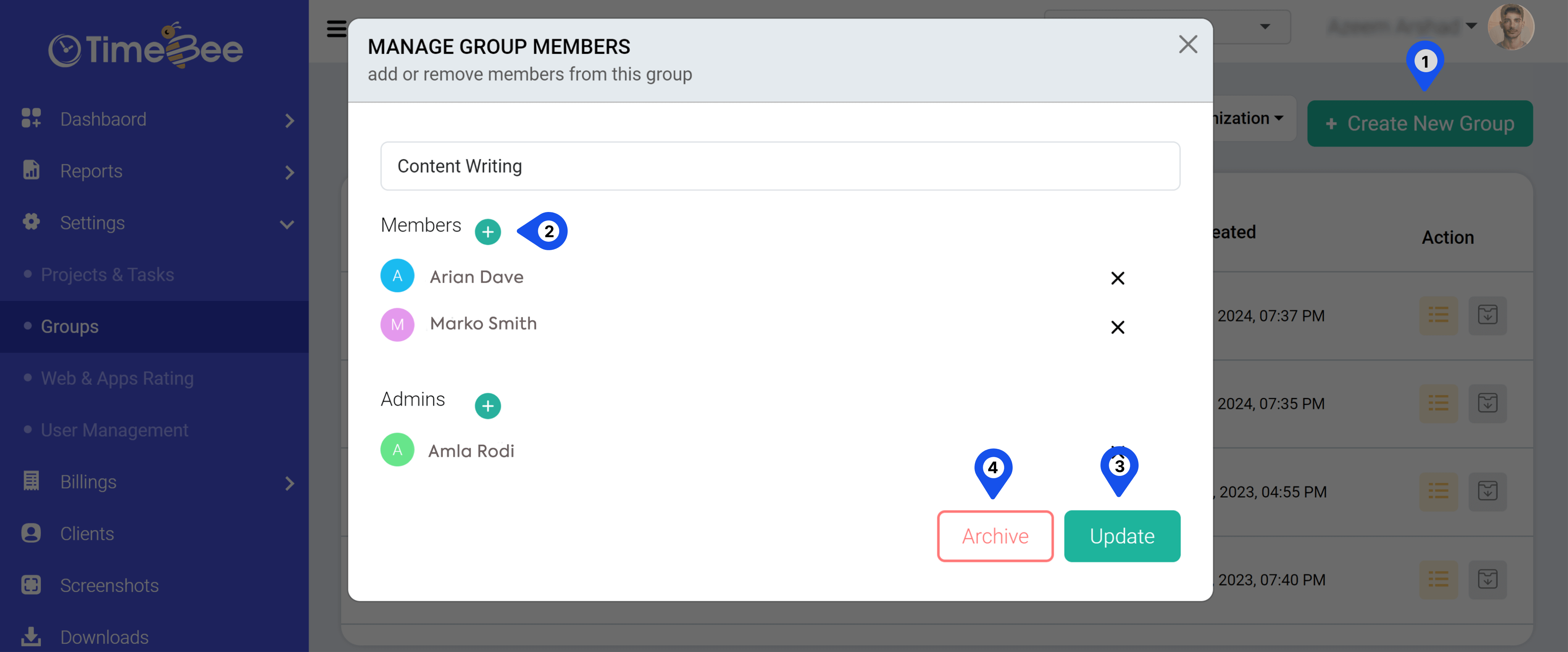
From the sidebar menu, click “Settings” and then “Groups” to access groups. Here, you can edit information, add new employees, or remove existing employees from groups. You also have the option to archive the group if you want to deactivate it.
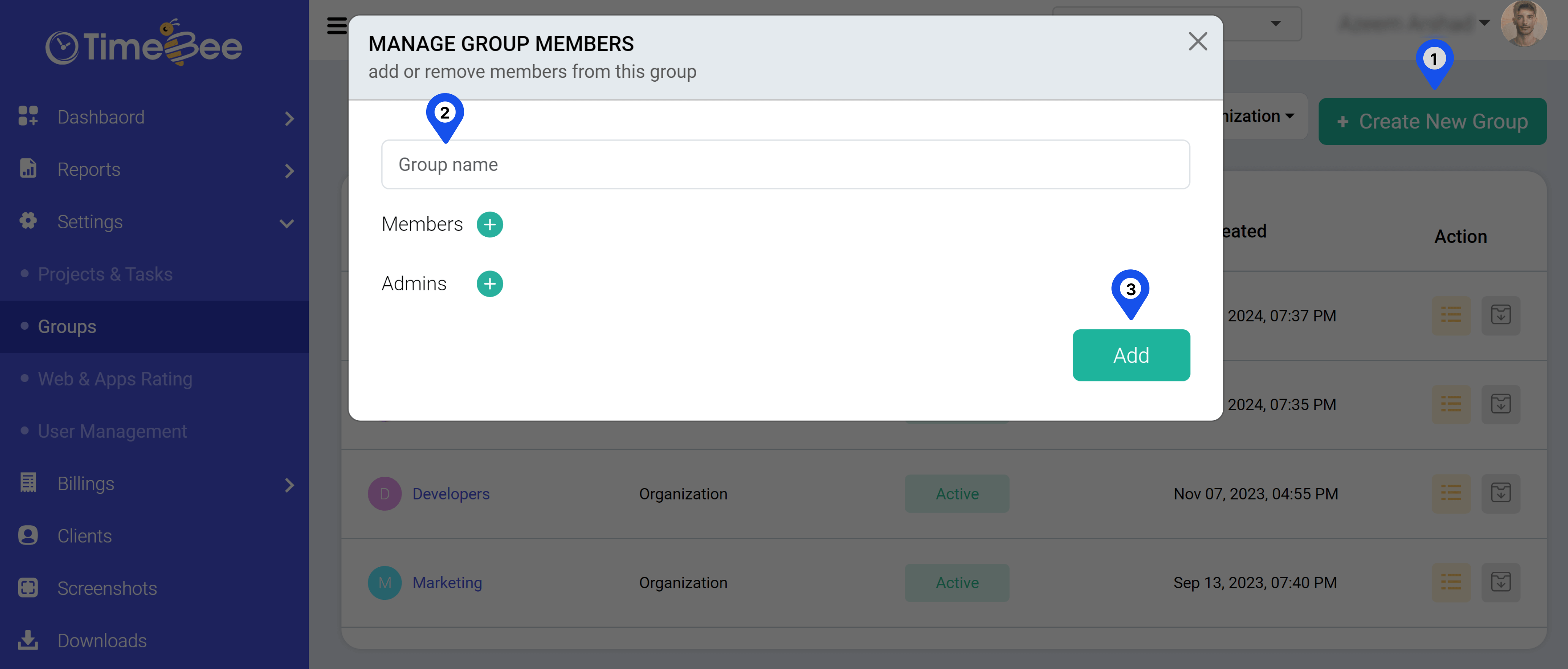
Open the “Groups” page and click on the “Create New Group” button. Add the details and tap “Add.”
Only the owners or the admins can create, edit, and archive groups. Members can only view the groups they are part of or those associated with the company.
To view Group Progress Reports, you can utilize the “Users” filter at the top left corner of every report screen.
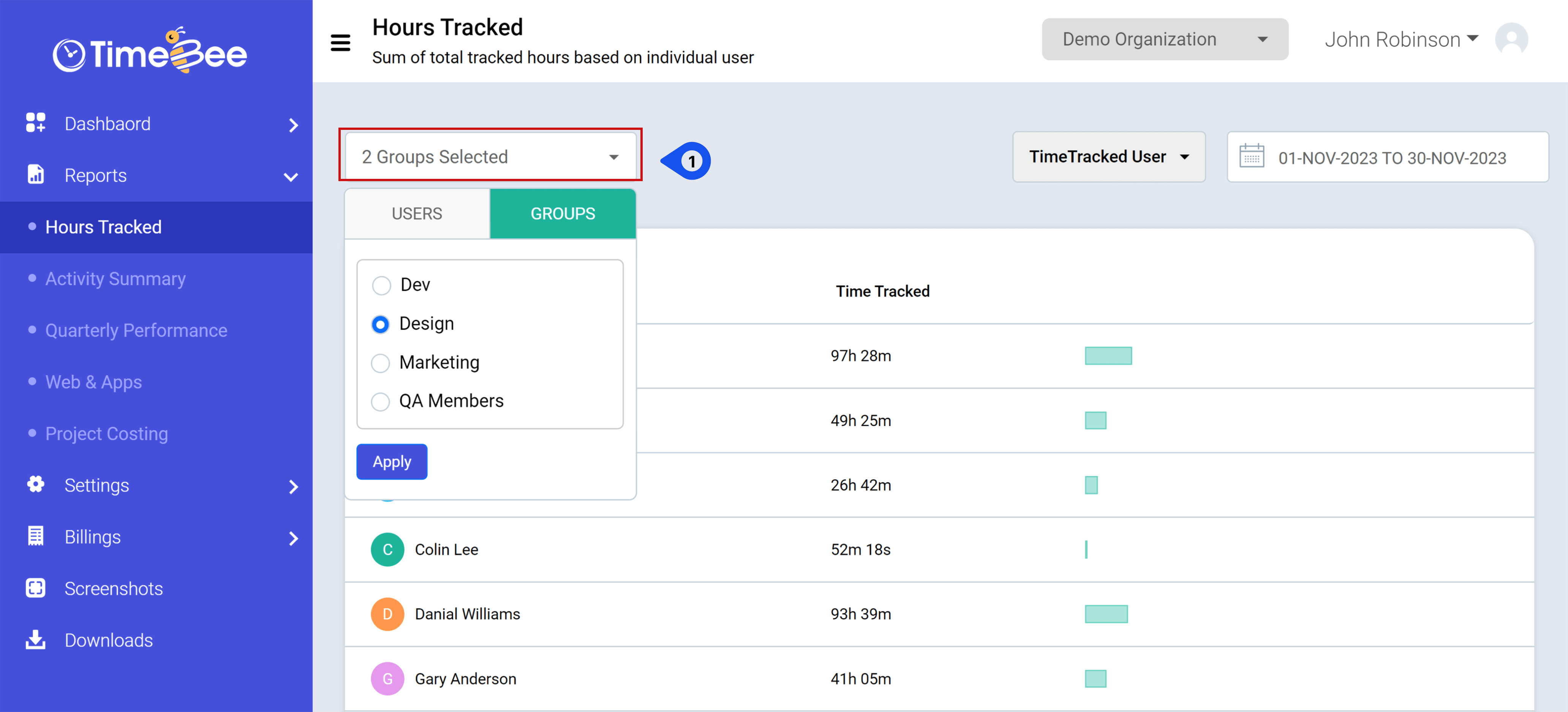
Click on the filter and select “Group” from the drop-down menu.
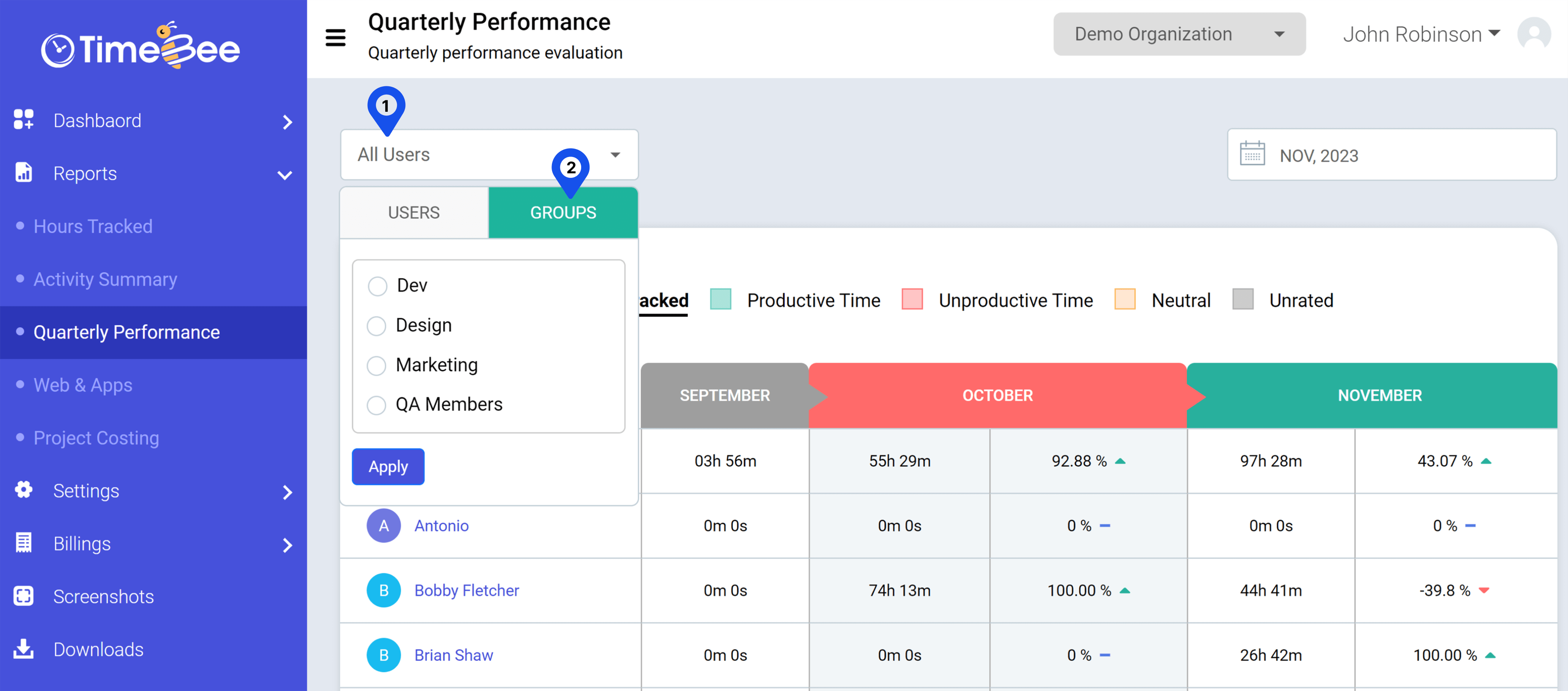
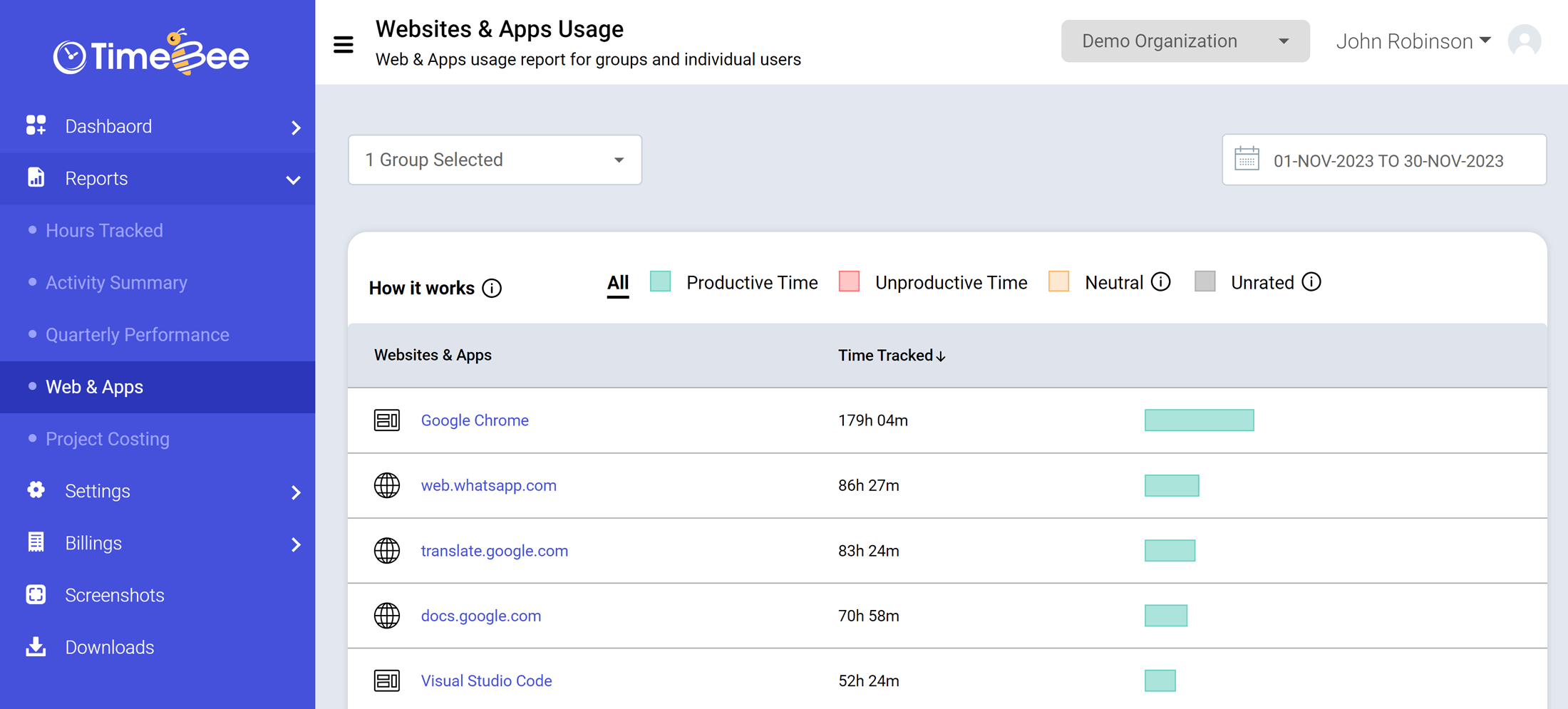
Here, you will see reports for groups.
Try it free for 14 days and see how it can be your savior!